
Edit with your voice
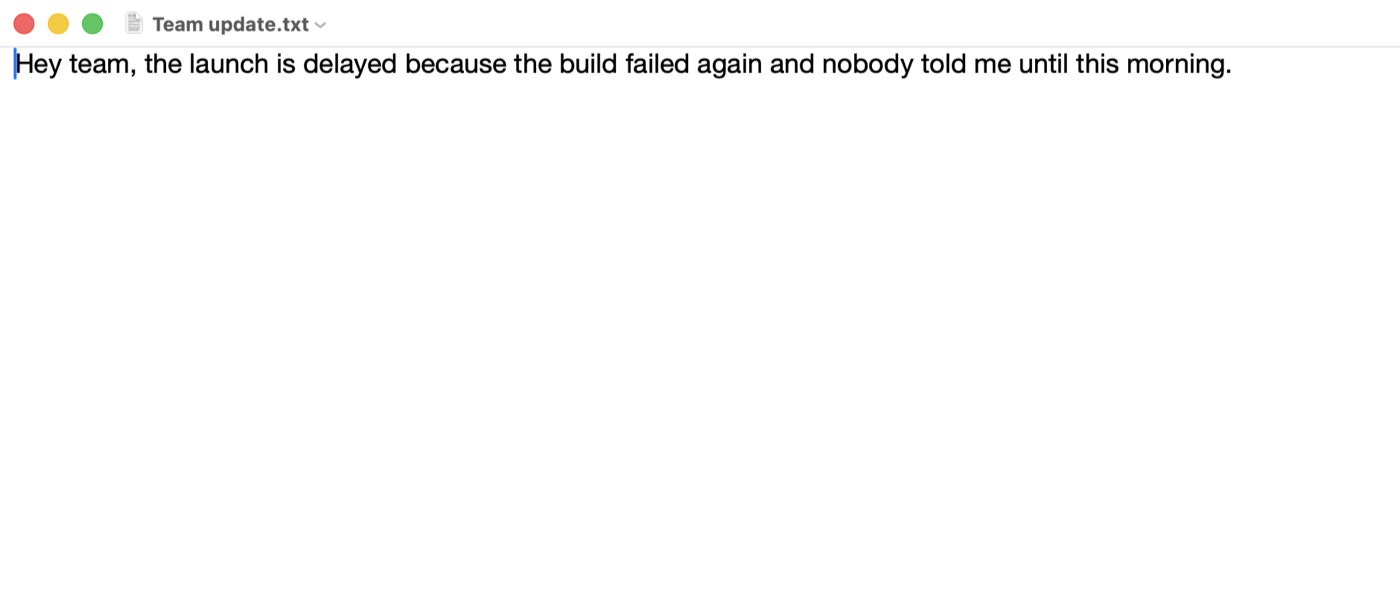
Select text, hold ⌥, say what to change.
⌥ “make it friendlier”
Hey team, the launch is delayed because the build failed again.
Hold right ⌘ anywhere on your Mac and speak. Polished text appears, written by AI that never leaves your Mac.
2,000 words freeNo accountmacOS 26
Murmur is a Mac app. Send the link to your Mac.
Launch price


Same words, the right tone for wherever you are.
You said: “um hey can we uh push the sync to tomorrow i'm still on the deck”
 SlackNatural
Can we push the sync to tomorrow? I'm still on the deck.
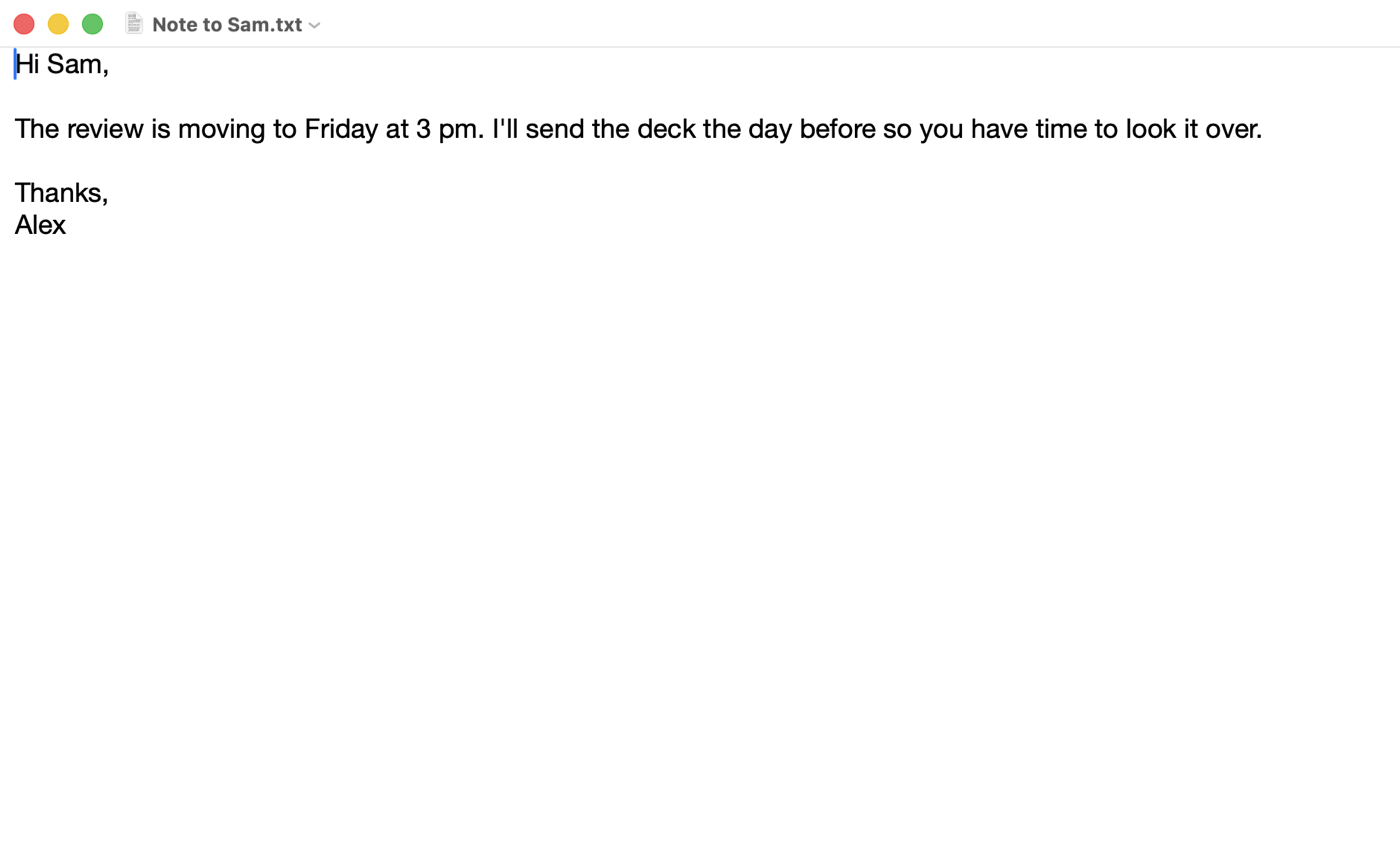
Select text, hold ⌥, say what to change.
Fillers out. Corrections in.
Say a phrase, get the text.
Take back the last dictation.
Sent to the wrong window? Put it here.
Speech and AI run on your Mac. Even in Airplane Mode.
Nowhere to type? It's saved to Notes.
Your voice never leaves your Mac. Speech recognition runs on it. So does the AI. No account. No cloud. No recordings.
Pay once. Use it forever. Cloud dictation costs about $144 a year. Murmur costs $19, once.
Wispr Flow, Typeless and Willow Pro, billed yearly. October 2026.
or try 2,000 words free. Checkout ends on a page that unlocks Murmur in one click.
Apple silicon Macs on macOS 26 Tahoe. AI polish and voice editing need Apple Intelligence turned on.
Yes. After Apple's one-time speech model download, everything runs on your Mac.
To hear you while you hold the key, and to paste into the app you're using. Nothing else.
Every language Apple's on-device speech model supports. Pick yours in Settings.
Your first 2,000 words are free, no sign-up. Add your email for 3,000 more. After that it's $19, once. Your history, notes and settings stay either way.
Yes. It works on 3 Macs. Deactivate the old one in Settings to free a slot.
Find it in the customer portal, or write to .
2,000 words free30-day refund